AI Headshot Generators Compared: Uploads, Price, and What You Actually Own
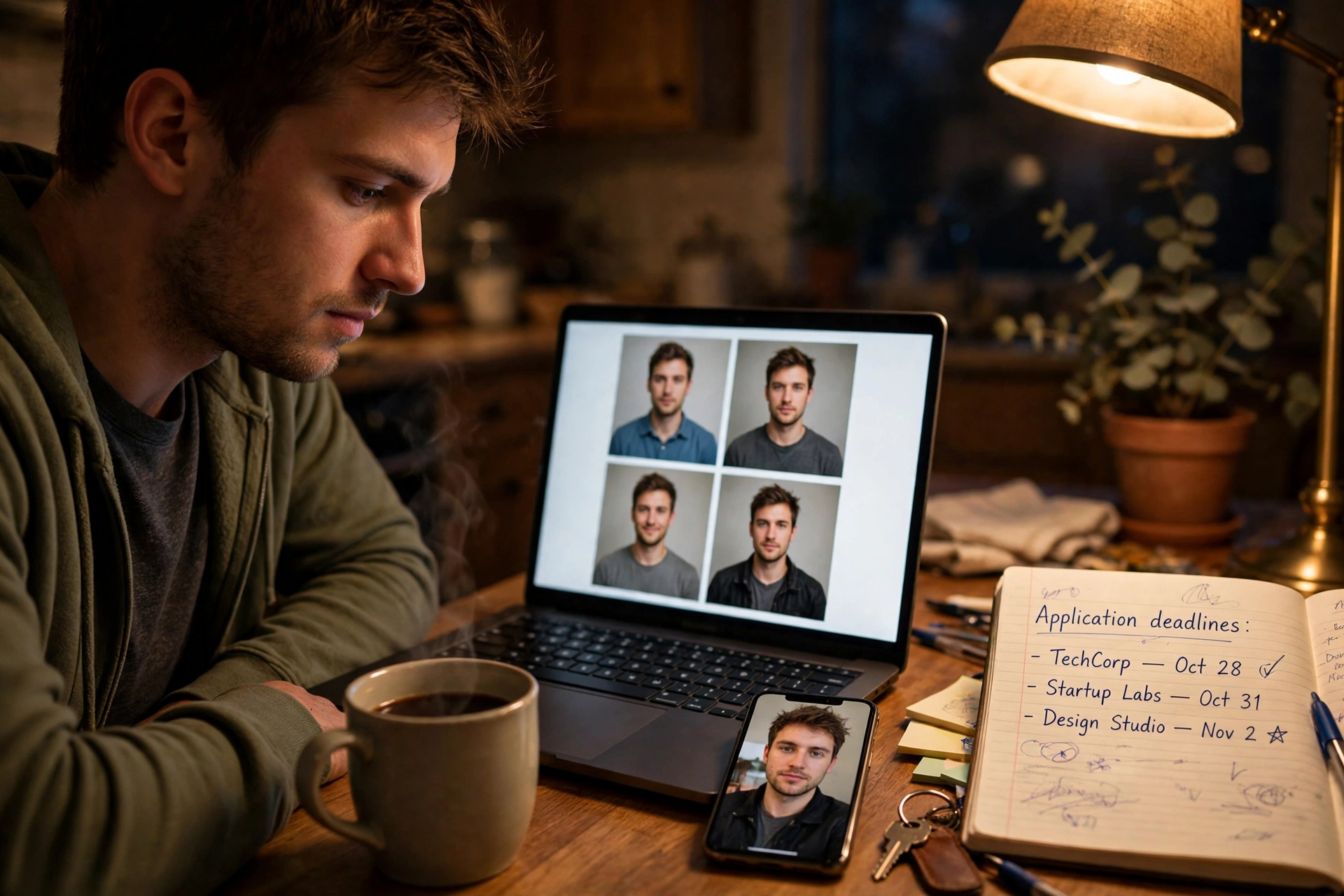
It is the night before three applications go out, and five tabs are open. Every tab promises a professional headshot, and every tab wants something different: one wants twenty photos, another a monthly plan, a third will not say what you can do with the finished portrait. You are not really choosing a photo. You are choosing uploads, price, and ownership — so compare an ai headshot generator on those terms before you hand over a picture of your face.
Moonroom — Hired Headshots is the option this guide knows first-hand, so its column below uses only live-site facts: one selfie in, previews in about two minutes, 3 free watermarked previews per device, no account needed, and a Headshot Pack at $49 once for 60 portraits in one style. The other columns stay general on purpose — most services in this category follow recognisable patterns you need to spot.
How to compare an ai headshot generator: the five checks that decide it
Ignore the gallery wall. Every service can show its best result. The differences that affect your evening, wallet, and rights sit in five checks.
1. How many photos must you upload? This is the first hidden cost. Most services in this category ask for 10 to 20 photos of you before they start — different angles, days, and outfits. Many people lack twenty clear photos of themselves alone. Moonroom takes one selfie: a single clear, front-facing photo in good light, face unobstructed, no sunglasses, no heavy filters. One photo is easier to find, and less of your face to hand over.
2. Is the price one-time or a subscription? A low first price means little if it repeats. Most subscription apps charge monthly whether you are job-hunting or not, and the total quietly passes a one-time price within a few months. Moonroom charges once: Headshot Pack $49 for 60 portraits in one style, Product Studio $39 for 50 shots in one background style, Theme Pack $29 for 20 portraits. No subscription on any. Studio sessions typically start around $150 in many cities, before travel and proof waits.
3. How fast do previews arrive? Speed matters when the deadline is tomorrow. Moonroom previews are ready in about two minutes, and most full packs within 10 minutes. Judge any service's preview speed before you pay — a trial that takes a day is no trial when applications close tonight.
4. What do you actually own? Read this line before you pay anyone. With Moonroom, every portrait you unlock is watermark-free, in high definition, and carries full commercial rights — it can go on LinkedIn, a company page, a bio, and a CV. Moonroom is plain about a limit: it does not guarantee an output will be unique to you or usable as a registered trademark. For a headshot that rarely matters; for a logo, choose something else. Elsewhere, check whether a cheaper tier leaves a watermark or restricts commercial use.
5. What happens to your photo afterwards? You are uploading your face, so ask where it goes. Moonroom uses your photo only to make your portraits: never trained on, never sold, deleted after 30 days. If another service cannot state its deletion window plainly, treat that silence as part of the price.
The comparison, side by side
| Check | Moonroom — Hired Headshots | Most subscription apps | Studio session |
|---|---|---|---|
| Uploads required | 1 selfie | Typically 10–20 photos | None — you attend in person |
| Price shape | $49 once for 60 portraits in one style | Monthly charge that repeats | Typically $150 or more to start in many cities |
| Preview speed | About 2 minutes | Varies — test before paying | Proofs after the session |
| What you own | Watermark-free HD, full commercial rights on unlocked portraits | Check tier limits on watermark, resolution, and commercial use | Agreed set of retouched photos |
| Your uploaded photo | Never trained on, never sold, deleted after 30 days | Check the deletion policy before uploading | No upload involved |
If a service wins on the gallery but loses on uploads, billing shape, and ownership, it is the more expensive option wearing a cheaper label.
A worked example: one evening, one selfie
Here is an example — not a customer story. Say you are the job-seeker from the opening. You close four tabs and test the one-upload route: take a fresh selfie by a window, open Moonroom, choose Corporate, and upload that single photo. About two minutes later your previews arrive. Spend your 3 free watermarked previews per device — shared across portraits, product shots, and fix-ups on that device — checking one thing: does this person look like you on a good workday?
If no, you have spent nothing and uploaded one photo, not twenty. If yes, unlock the Headshot Pack for $49 once. From 60 portraits in that style, pick one main photo for LinkedIn, a second for applications, and a third for a team page. That is about 82 cents per portrait — but the real saving is the evening: no photo hunt, no studio trip, no monthly charge to cancel after you get the job.
For the LinkedIn-specific walkthrough — what a recruiter sees at thumbnail size, and which style to pick — read how to get a professional LinkedIn headshot from one selfie next. If your problem is product photos, not portraits, the same one-photo approach drives Product Studio at $39 once for 50 shots in one background style.
Who this comparison helps — and who should look elsewhere
Moonroom fits you if you are applying now, you have one good selfie, not a camera roll of portraits, and you want a known one-time price with ownership terms stated before you pay. Testing costs nothing beyond the upload: 3 free watermarked previews per device, no account needed.
Look elsewhere if you need a photographer directing several outfits and locations, a sitting for a whole team, or an image guaranteed distinctive enough for trademark use — Moonroom states plainly it cannot guarantee that; a directed studio shoot still wins those jobs.
Frequently asked questions
How many photos do I need to upload to Moonroom?
One. A single clear, front-facing selfie in good light is enough. Most services in this category typically ask for 10 to 20 photos; Moonroom was built around the single upload.
What is actually free in Moonroom?
Your first 3 previews per device are free and watermarked, shared across portraits, product shots, and photo fix-ups on that device, no account needed. The Headshot Pack — 60 watermark-free portraits in high definition, with full commercial rights — is $49 once.
How fast will I see anything?
Previews are ready in about two minutes. Most full packs are ready within 10 minutes of unlocking.
What happens to the selfie I upload?
It is used only to make your portraits, never trained on, never sold, and uploads are deleted after 30 days. You can also request deletion through the data-deletion page linked from the site.
Can I use the portrait for work and commercial purposes?
Yes — every unlocked portrait is watermark-free HD with full commercial rights, so you can use it on LinkedIn, a company site, a bio, and a CV. Moonroom does not guarantee an output will be unique to you or registrable as a trademark.
Start with the free previews, then decide
Do not take this guide's word for it — run the first check. Open Moonroom, upload one clear selfie, and spend your 3 free watermarked previews on the Corporate style. If that person is who you want a hiring manager to meet, unlock the Headshot Pack for $49 once — 60 portraits, yours to keep, no subscription. Start from the Moonroom homepage to see the styles and buy section.
Judge it on your own face
Three free previews, no account, no subscription. Compare packs on the pricing section, browse the gallery, or start now:
Try Moonroom freeMore guides: LinkedIn headshot from one selfie · What makes a good LinkedIn headshot · AI headshots vs a photographer · AI product photos for sellers